Appearance
Sub group namelists
In this section
- Learn how to create namelists
- Learn how to manage namelists
- Learn how to delete namelists
Assign student to host family
To assign a student to a new host family, make sure you have already added a host family to the sub group. Then select the student you want to assign in the namelist by clicking on their name.

This will take you to the students assigned host page.
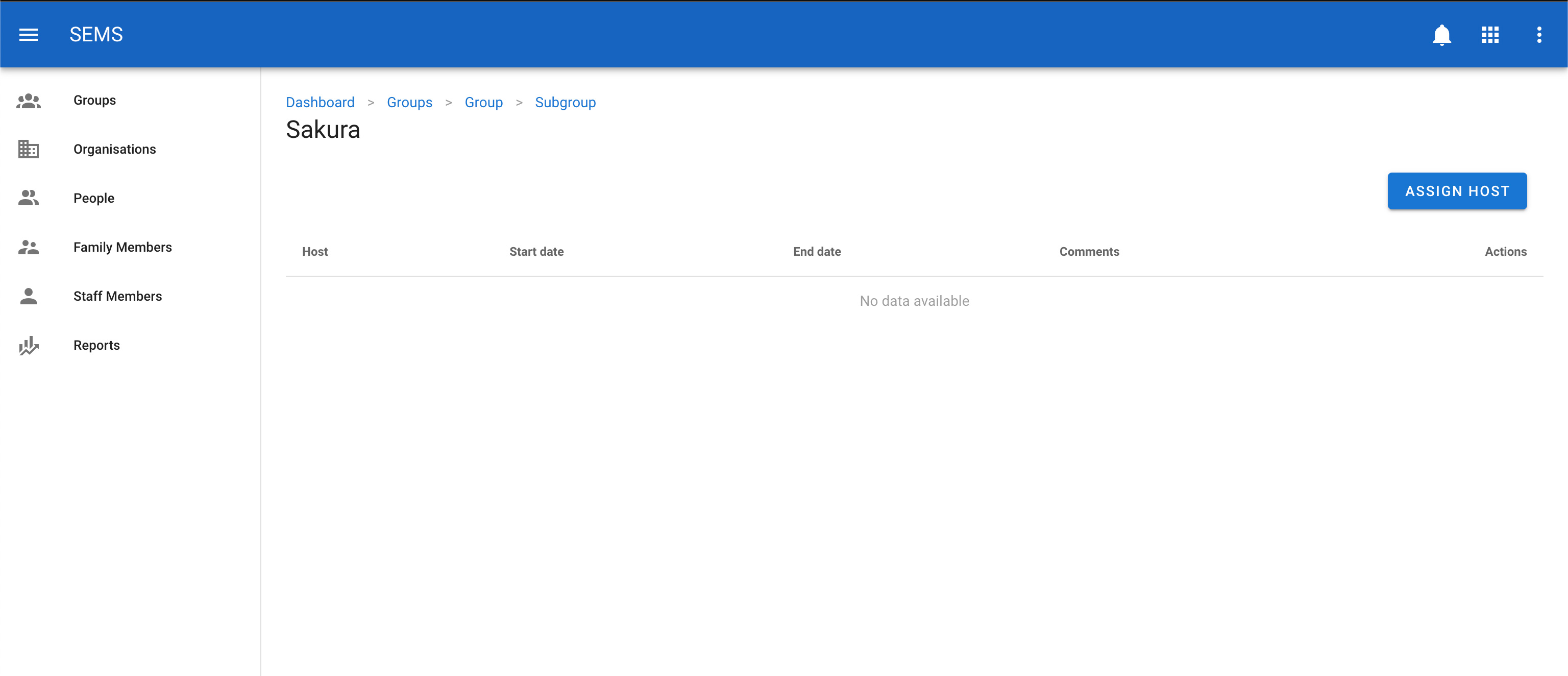
Click on the Assign Host button on the right.
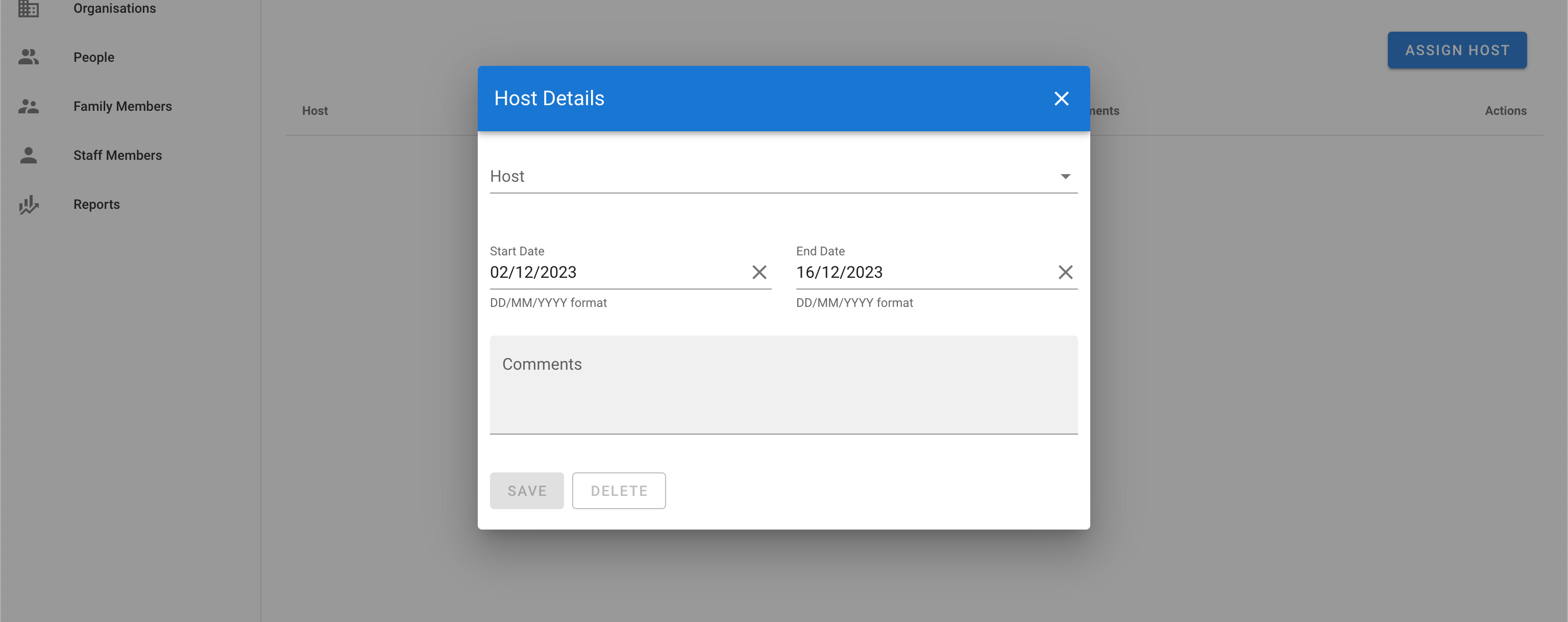
Select the host from the dropdown list and fill in the rest of the details of the form. Then press the Save button.
Remove student from host family
To remove a student from a host family. Select the student you want to remove in the namelist by clicking on their name.
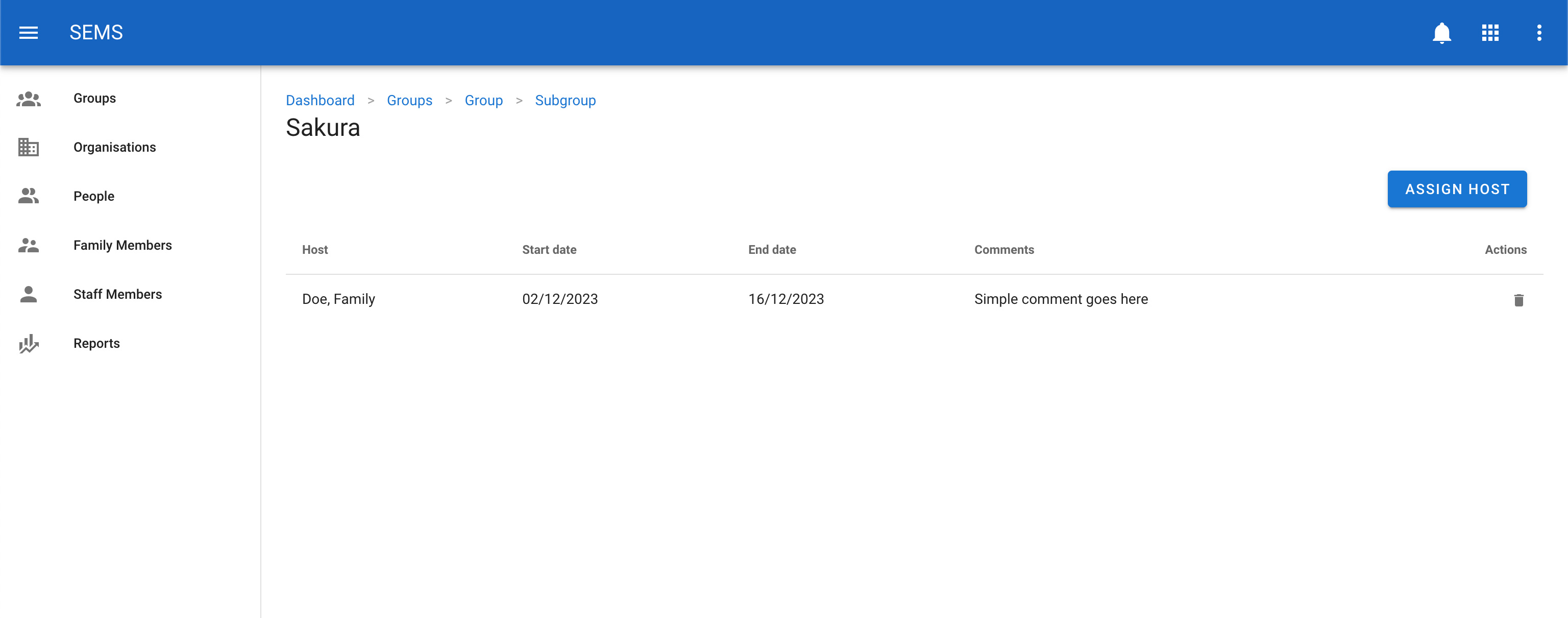
Then remove the host by clicking on the trash icon next to the host family name. This will only remove them from this student and not the system.
Move students to another sub group
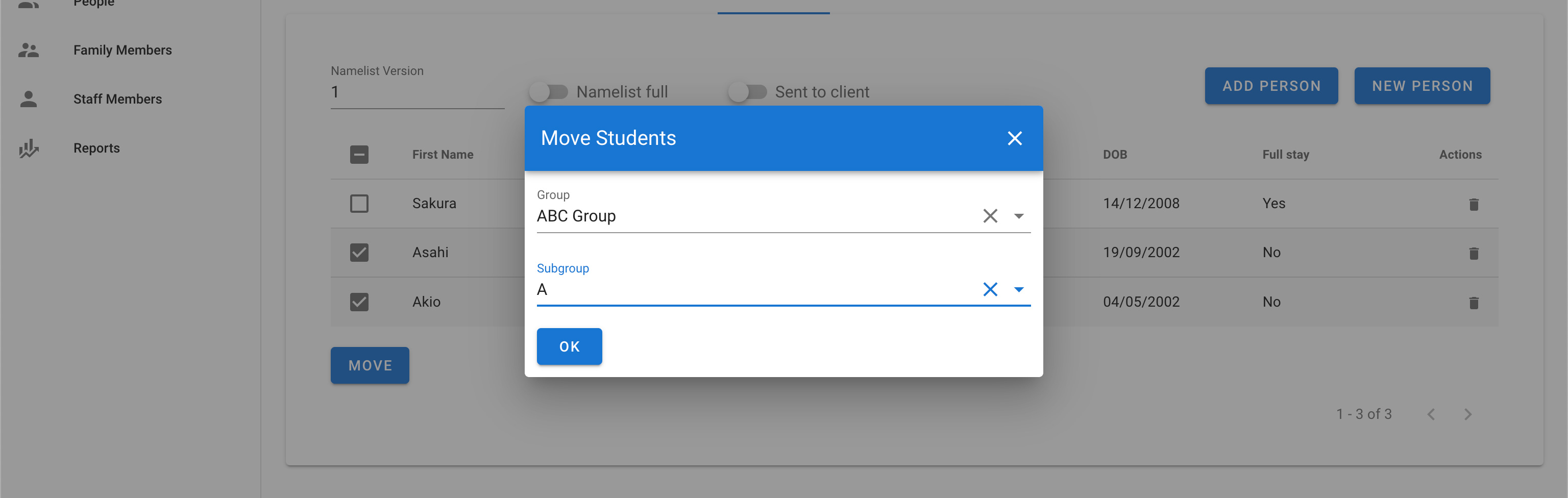
To move a student from one sub group to another, select the students in the namelist by ticking the checkbox next to each student you want to move, then click on the move button.
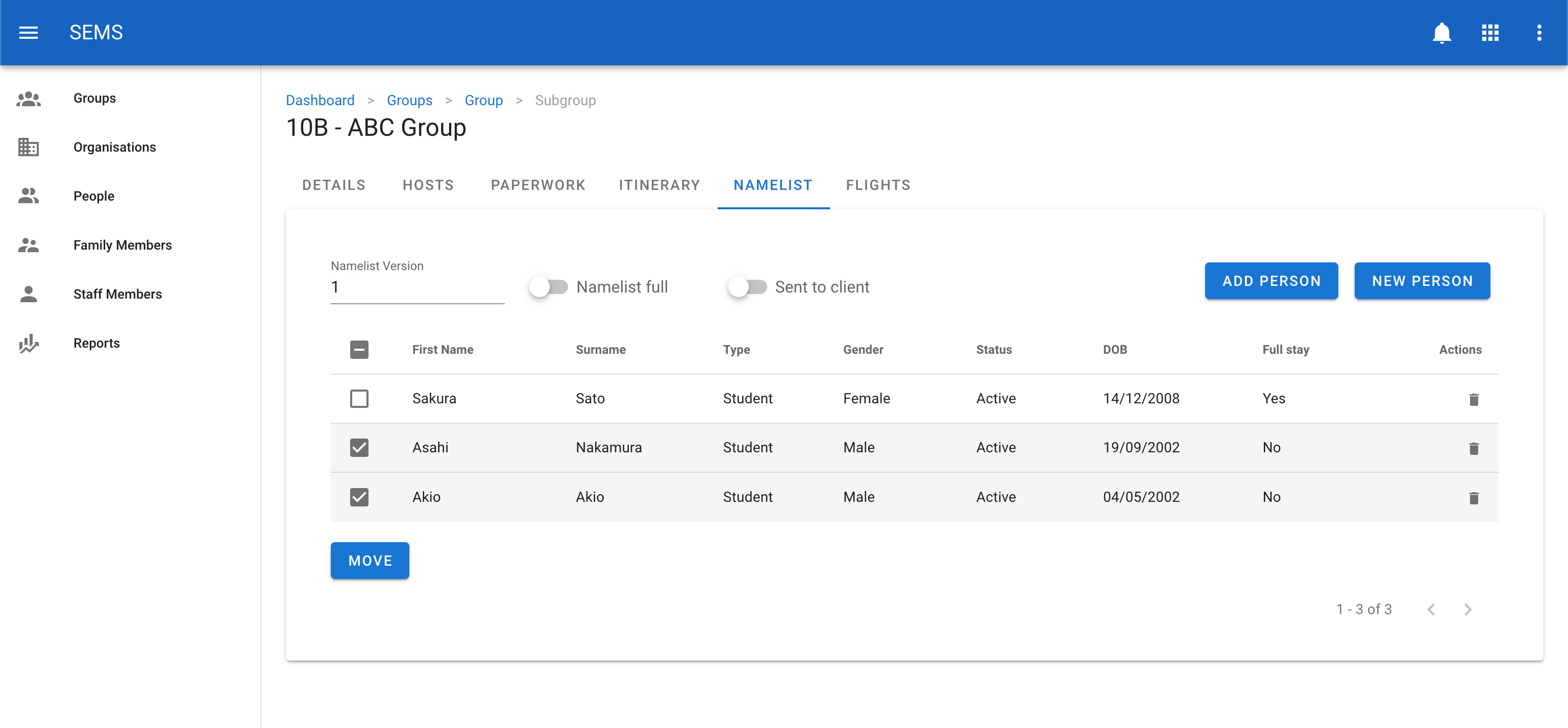
This action will open the Move Student window. Search for the new group and sub group to move the student to. Once complete hit the OK button.
WARNING
If a student has already been assigned to a host they will be removed from that host family.