Appearance
Flights
In this section
- Learn how to create flights
- Learn how to manage flights
- Learn how to delete flights
Before we begin
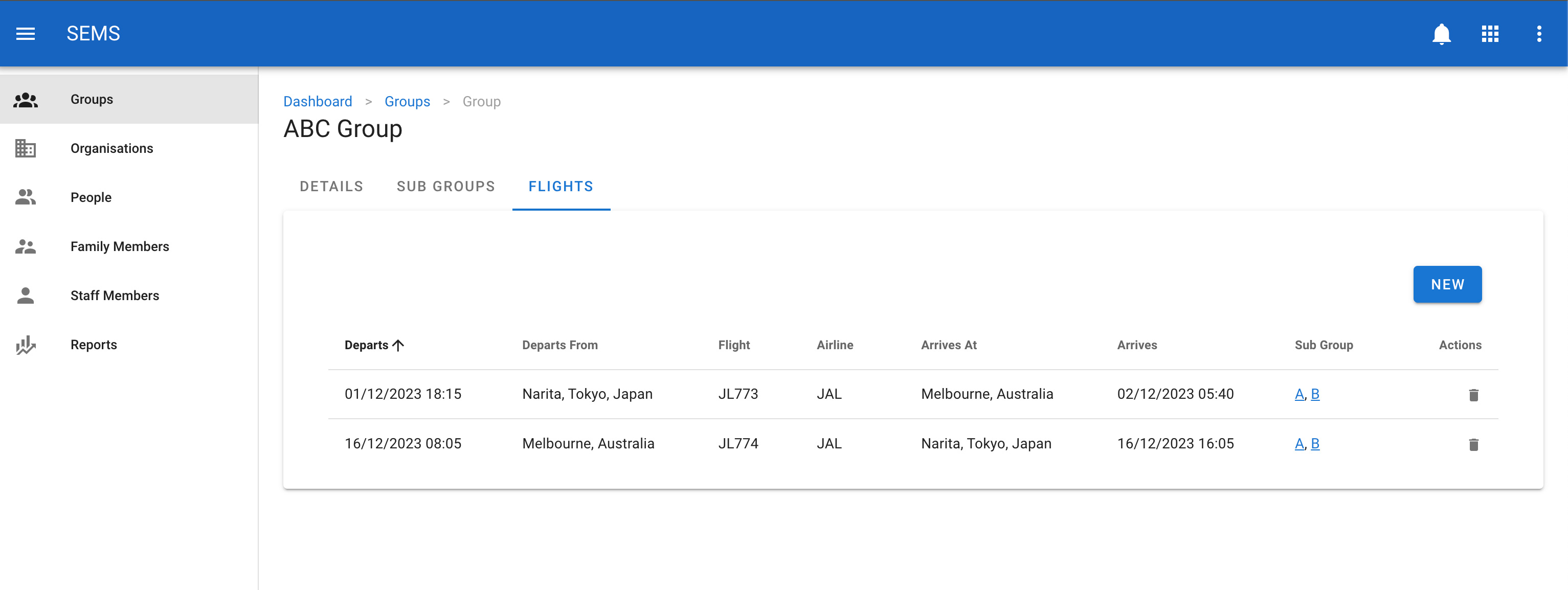
Navigate to the group that you want to add, edit or delete a flight for. When you are in the group select the flight's tab. This will take you to the flight manage page.
INFO
You can also navigate to the flights manage page within the subgroup.
Creating a new flight
To create a new flight click on the new button.
Populate the group details in the supplied form and click on the save button.

Editing a flight
To change or edit a flight, navigate to the flight's page, and select the flight you would like to edit by clicking on the title or row.
Once on the flight edit screen, update the relevant fields. Then confirm the change by clicking the Save button.
Delete a flight
To delete a flight navigate to the flight's tab on the group page, then click the icon delete which is shown as a trash icon on the list view for a flight.