Appearance
Sub group hosts
In this section
- Learn how to create sub group hosts
- Learn how to manage sub group hosts
- Learn how to delete sub group hosts
Before we begin
Creating or adding a new host family
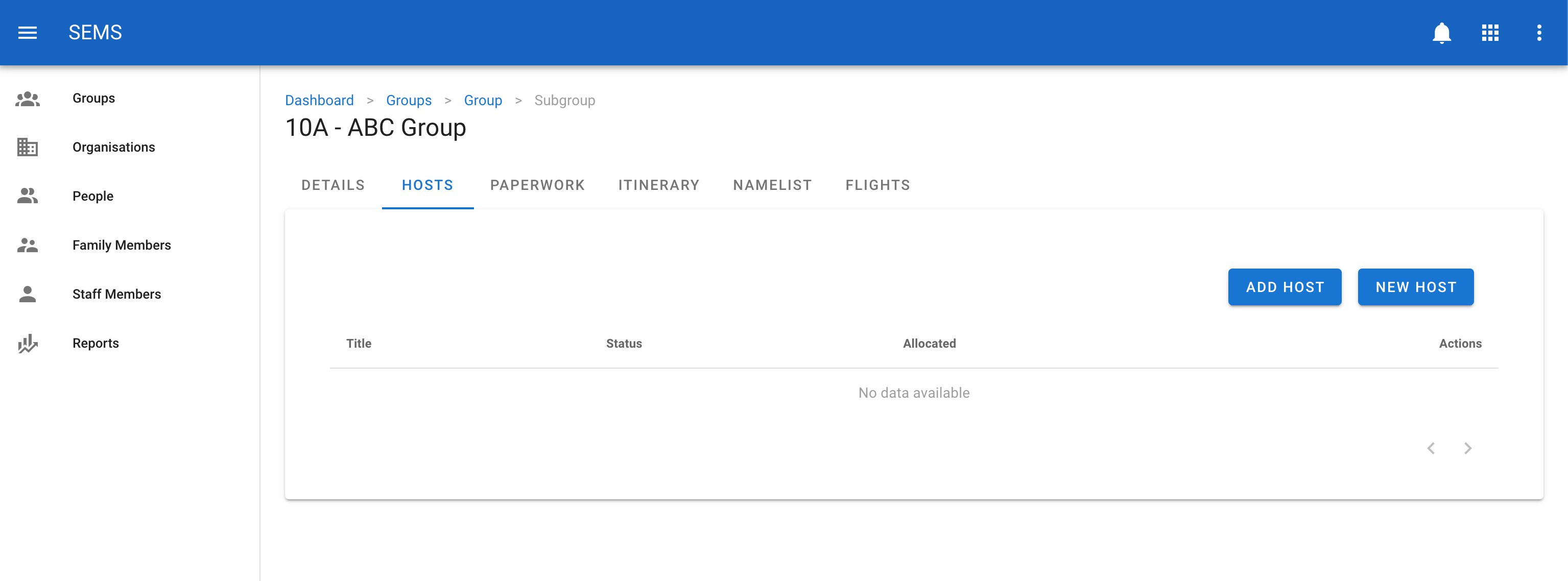
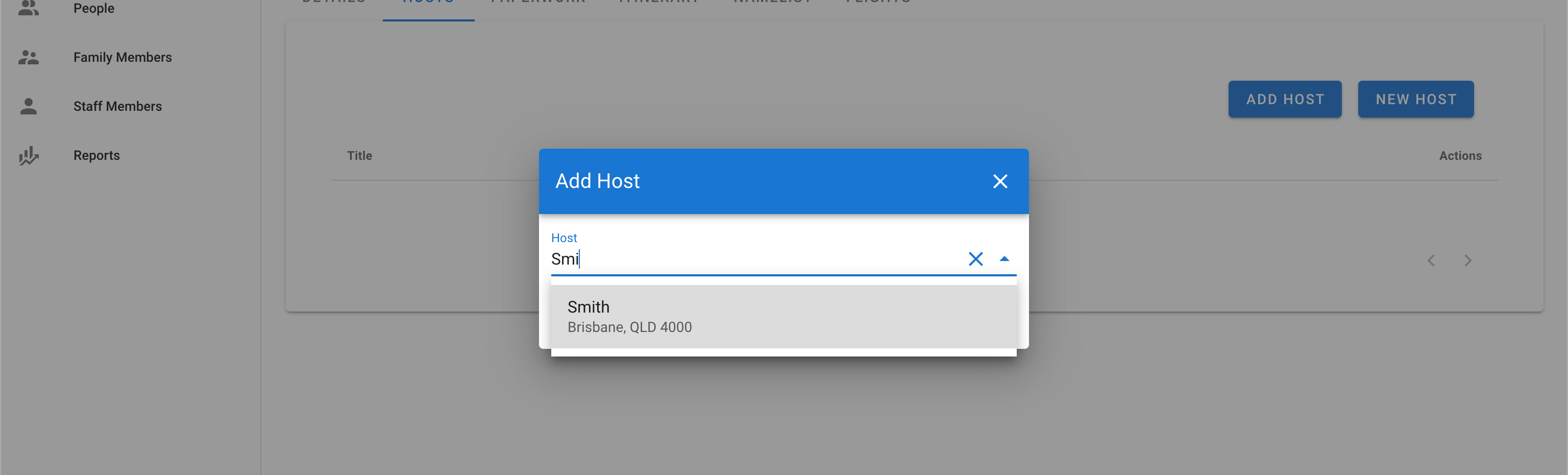
If you already know that the host exists in the system you can add them by clicking on the Add Host button. This allows you to search for an existing family in the popup.
Type in the surname of the family/host you would like to add to the sub group.
If the family does not exist in the system, you can just cancel the popup and enter a new host family by clicking on the New button.
See Family Members on how to manage family members.
Edit a host family from a sub group
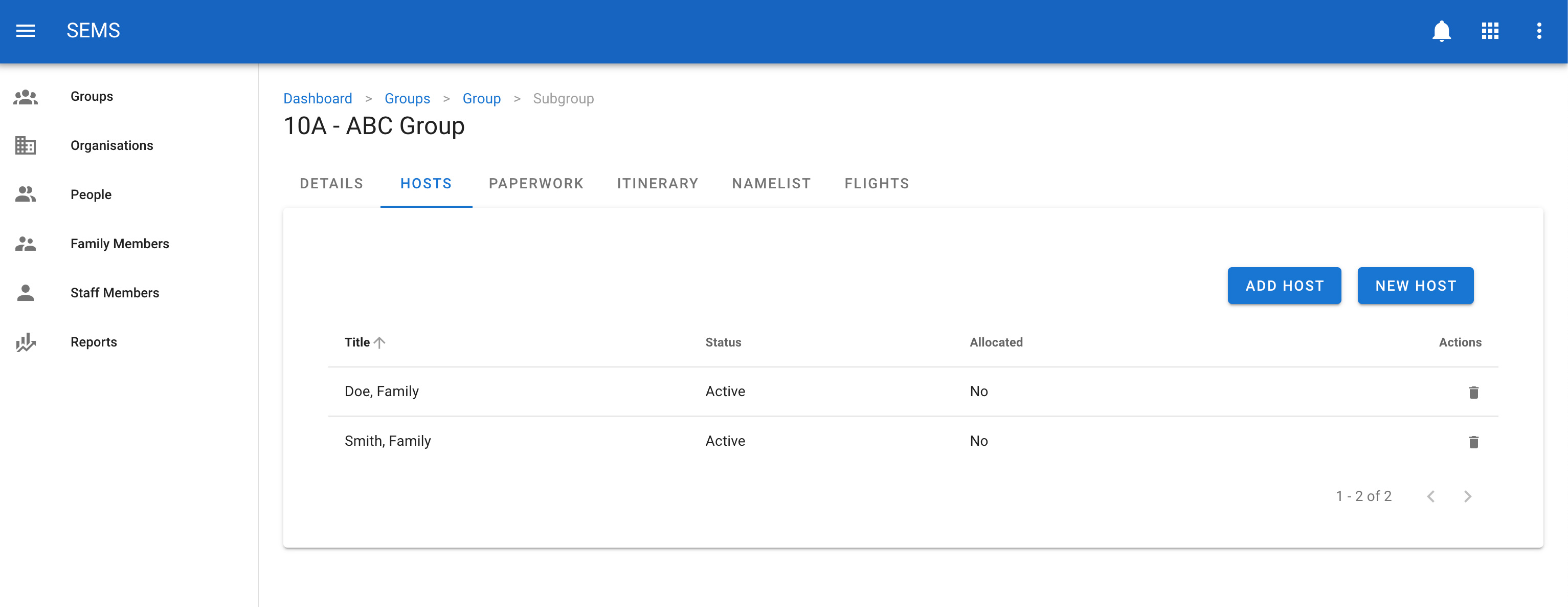
Navigate to the host tab in the sub group and click on the host family name you want to edit. This will take you to the family edit page.
Remove a host from a sub group
If a host family should no longer be in this sub group you can remove them by clicking on the trash icon next to the host family name. This will only remove them from this sub group and not the system.