Appearance
Settings
In this section
- Understand settings
- Learn how to add and edit settings
Before we begin
Navigate to the Settings section in the settings menu.
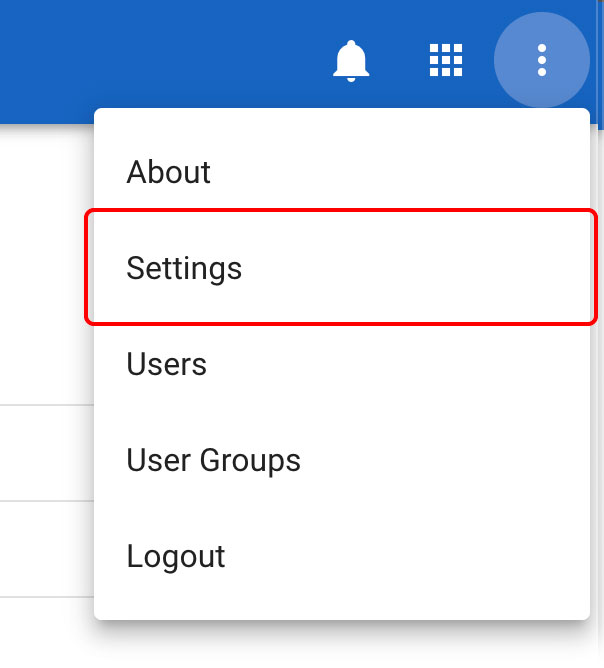
Understand the settings
The settings page allows the AIIU SEMS administrator to add and edit various list items and or settings that are used throughout the application. Setting items include:
- Age Level
- Airline
- Gender
- Group Type
- Flight Type
- Organisation Type
- Family Member Relationship
- Paperwork Group
- Paperwork Set
- Paperwork Template
DANGER
List items that are added to the system cannot be removed through the interface, so please only add list items if you are 100% sure they are required.
Creating a setting
To create/add a system setting, navigate to the Settings page, and select the setting you would like to update by clicking on the title.
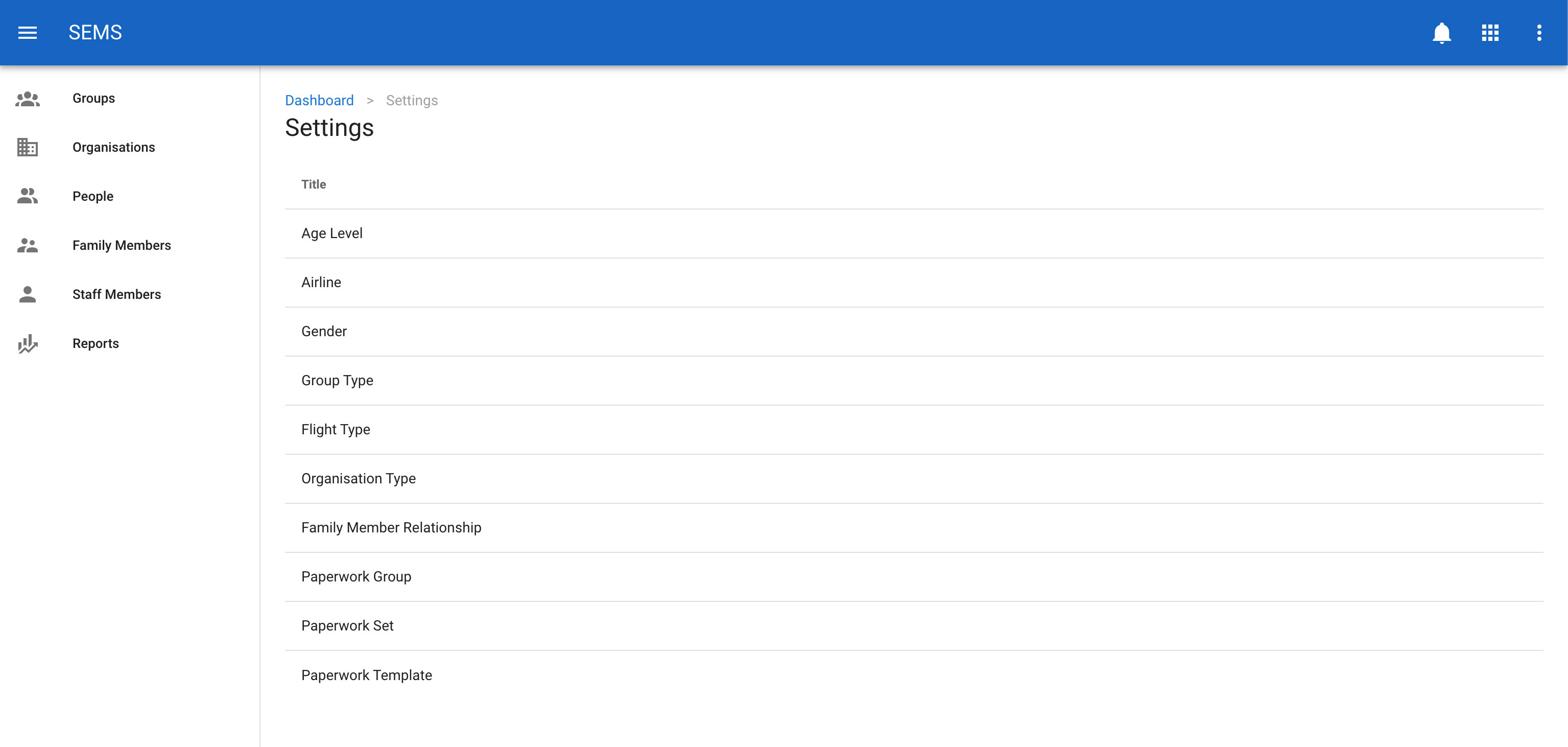
This will take you to the settings list for the setting that you selected. In this example, we will be using the 'Age Level' setting.
From the 'Age Level' setting list, click on the new button.
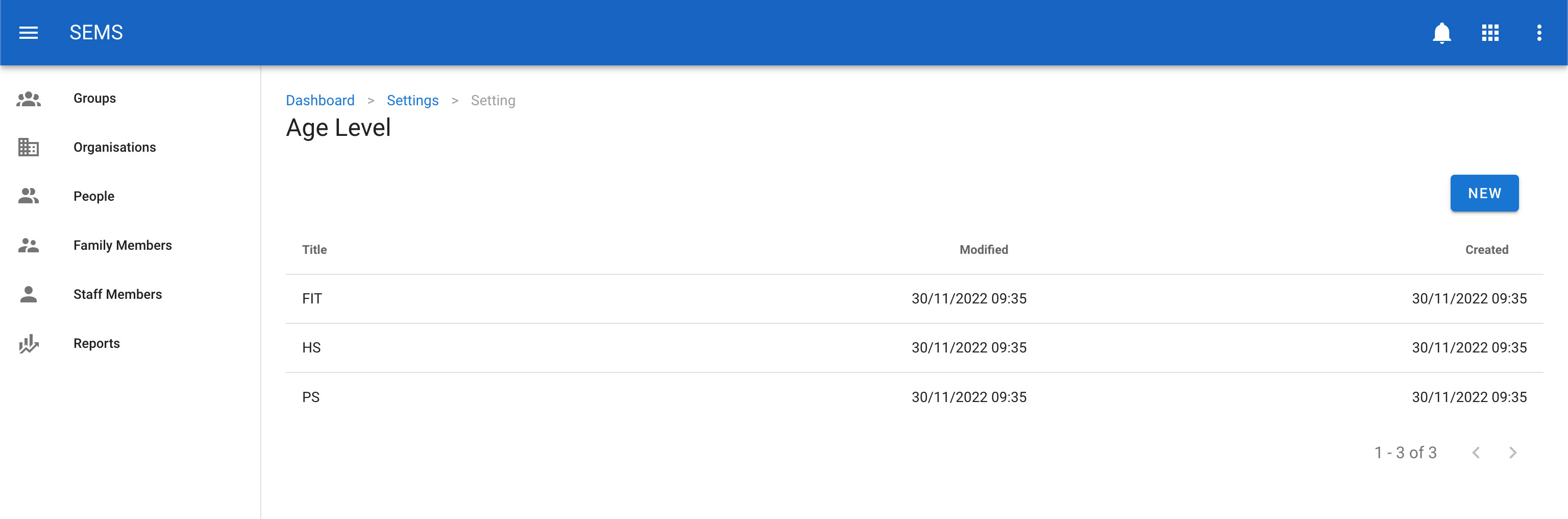
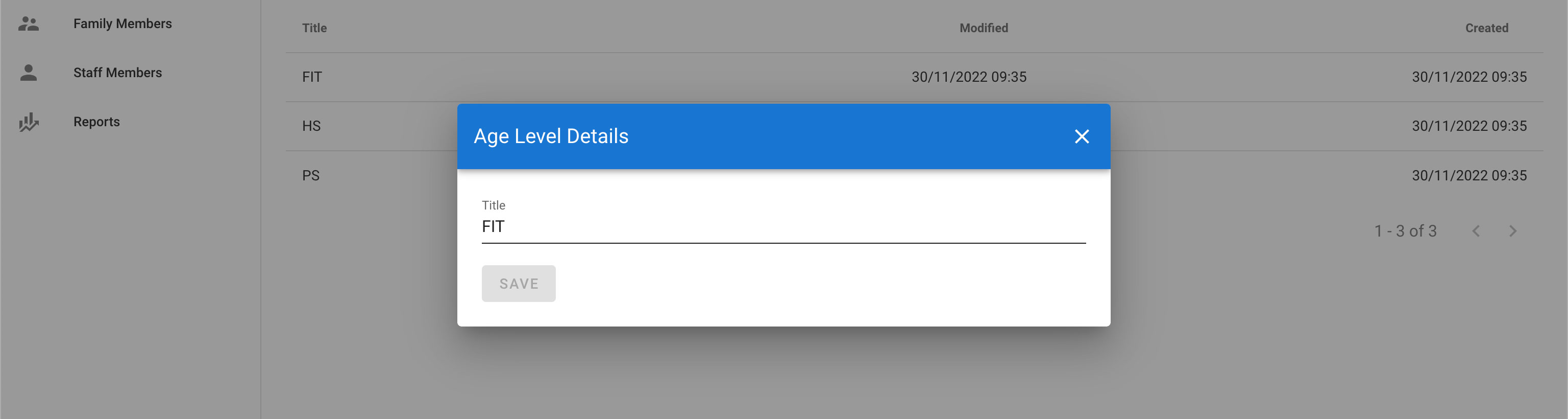
Add the title of the setting and click the Save button.
Editing a setting
To edit a system setting, navigate to the Settings page, and select the setting you would like to edit by clicking on the title.
This will take you to the settings list for the setting that you selected. In this example, we will be using the 'Age Level' setting.
From the 'Age Level' setting list, click on the title of the item you want to edit.
Update the title of the setting and click the Save button.